Excel or software?
Managing rebates in Excel: the limits, and what dedicated software changes
Excel is where almost every rebate process starts. It works with a handful of suppliers and one flat rate. Beyond that, every period adds files, formulas and risk.
When Excel is enough
- Fewer than ten suppliers, one fixed rate each
- One annual declaration, no product families
- One person entering, computing and negotiating
- No audit requirement on the history of decisions
When it is not anymore
- Dozens of suppliers, each with its own scale
- Quarterly or monthly cumulative declarations
- Product family scales or a growth bonus
- Several purchasers, negotiations, management control
Excel and Palier, criterion by criterion
| Criterion | Excel files | Palier |
|---|---|---|
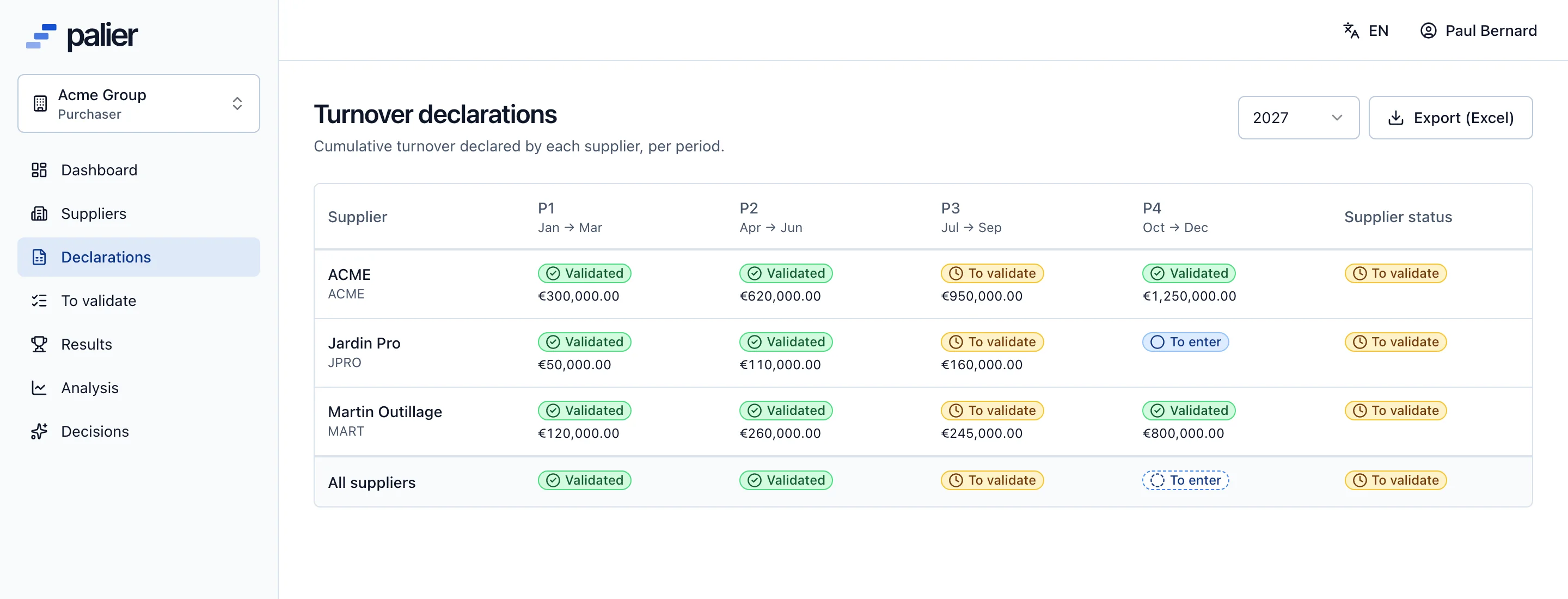
| Turnover collection | Files received by email, varying formats, manual consolidation | Entry or import by the supplier in one template, grid always up to date |
| Chasing | By hand, supplier by supplier | Automatic reminders before each period closes |
| Checking the figures | Visual, when someone thinks of it | Twelve automatic checks on every declaration |
| Tiered scales | Nested IFs or VLOOKUPs, fragile with every added row | Contiguous tiers checked, whole or marginal rate per scale |
| Families and growth | Extra tabs and formulas | Native family scales and growth bonus |
| Calculation | Rounding and threshold effects depend on each formula | One engine, amounts to the cent, rounded once |
| Negotiation | Emails and calls, no central record | Proposal, counter and acceptance thread per scale |
| History and audit | File versions, “final_v3_FINAL.xlsx” | Audit log: author, date, before and after |
| Confidentiality | One forwarded file may hold every supplier | Each supplier sees only its own data |
| Next year’s scale | Copy the tab, simulate by hand | Simulation on validated turnover, online proposal |
Read: how to calculate a year-end rebateThe complete rebate guide
Moving from Excel to Palier
Your files are not lost: they are the starting point
- 1
Import your scales
Each agreement loads from an Excel workbook, with the same checks as manual entry.
- 2
Invite your suppliers
They declare in Palier or import the Excel template exported from their space.
- 3
Keep Excel downstream
Turnover grid, results and analysis export to your other tools.
Questions about moving from Excel to Palier
Can you manage supplier rebates in Excel?
Yes, as long as there are few suppliers, each agreement has a simple rate and one person handles it. With tiered scales, families, periodic declarations and several people involved, the risk of error and the consolidation time grow fast.
How do you calculate a tiered rebate in Excel?
For a whole rate, find the tier reached (VLOOKUP with approximate match on the lower bounds) and multiply turnover by its rate. For a marginal rate, sum, for each tier, the part of turnover between its bounds multiplied by its rate. Palier’s rebate calculator does both online.
Do we have to give up Excel with Palier?
No. Palier imports your scales from Excel, gives suppliers an Excel template for their declarations and exports the grid, results and analysis. Excel becomes an exchange format, no longer the place where the calculation happens.
See Palier on your own tier scales
30 minutes through declarations, validation, calculation and negotiation of your rebates. Send us a scale and we will set it up for the demo.
- Demo on your sample data
- In English or French
- No commitment